Products
Studies for Sierra Chart
Custom studies for Sierra Chart on Windows. They draw levels, panels and checks on your own chart. None of them places, changes or cancels an order, and none sends anything to us.
Free studies
Download, copy into Sierra Chart’s Data folder, add to a chart. Each page explains what the study does and walks through the setup.
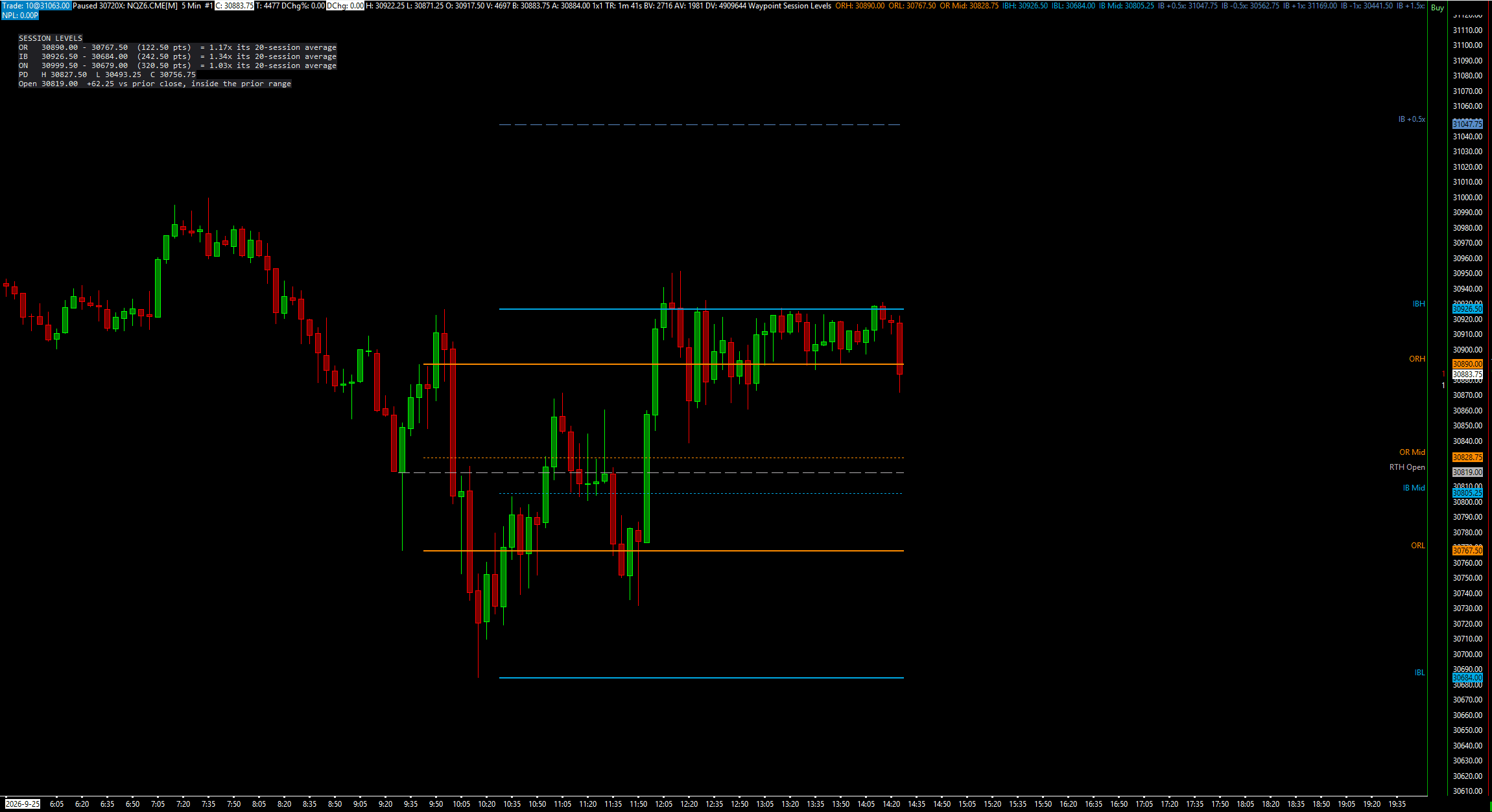
Free download
Session Levels + Anchored VWAP
Opening range, initial balance, prior day and overnight levels, plus right-click anchored VWAPs.
What it does and how to set it up
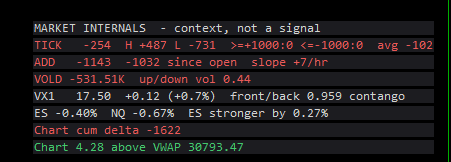
Free download
Market Internals
NYSE TICK, ADD, VOLD, the VIX, ES vs NQ and this chart's delta in one panel. Context, not a signal.
What it does and how to set it up
Waypoint Smart Money
Eight smart money concept studies, sold as one set or one at a time. Each draws from fixed, written rules on closed bars, so nothing repaints, and the gap, block and liquidity studies can grade their own levels against random ones on your chart.
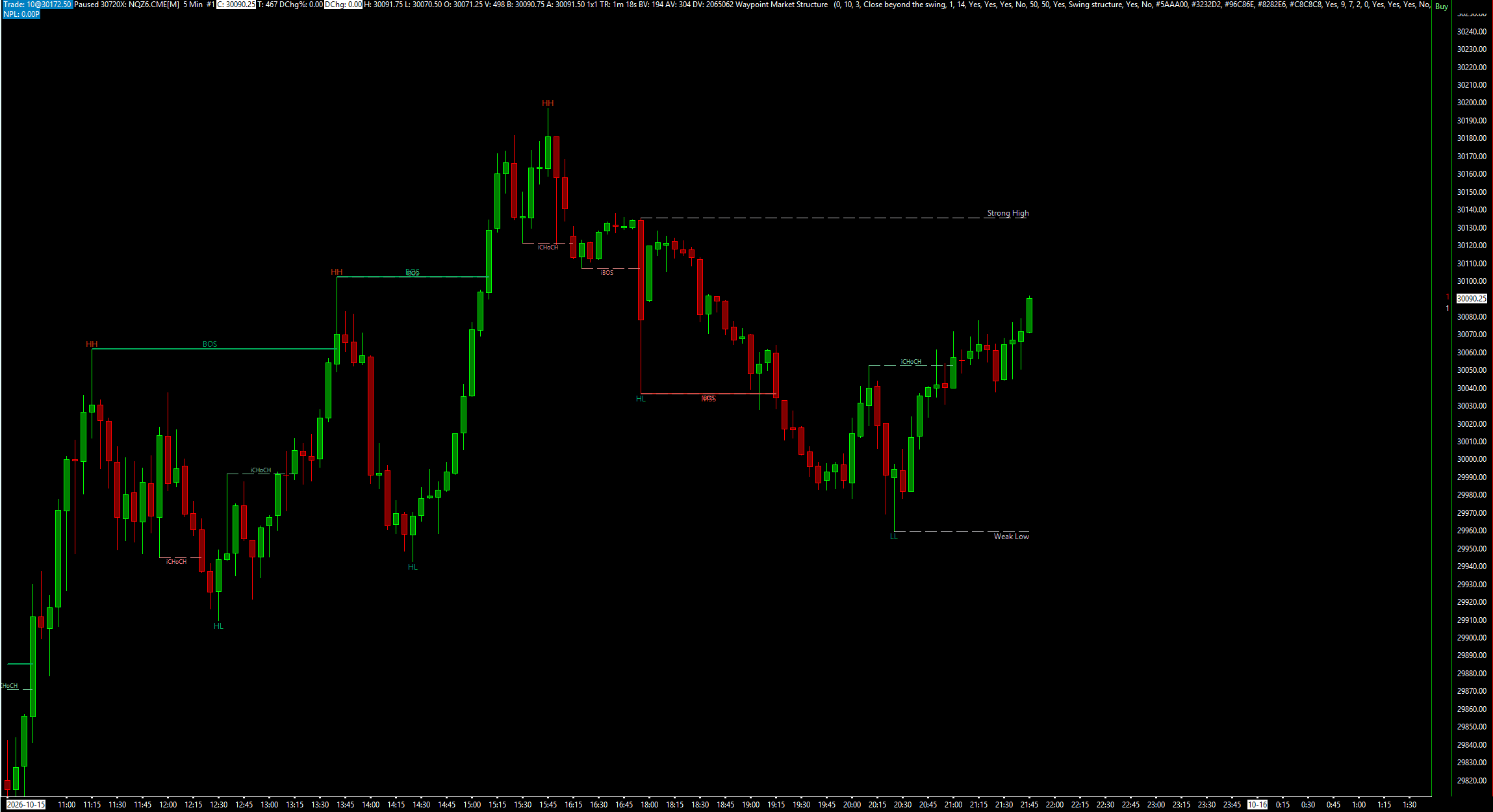
8 studies · one-time
Waypoint Smart Money
$49for all 8
or $9.99 per study. All 8 one by one would be $79.92, so the set saves $30.92.
- Market Structure
- Fair Value Gaps
- Order Blocks
- Liquidity
- Session Windows
- Premium Discount
- SMT Divergence
- Opening Gaps
Zone studies
$19 each, one time. Pay, then download the study straight away from the page you land on; the link is in your receipt email too.
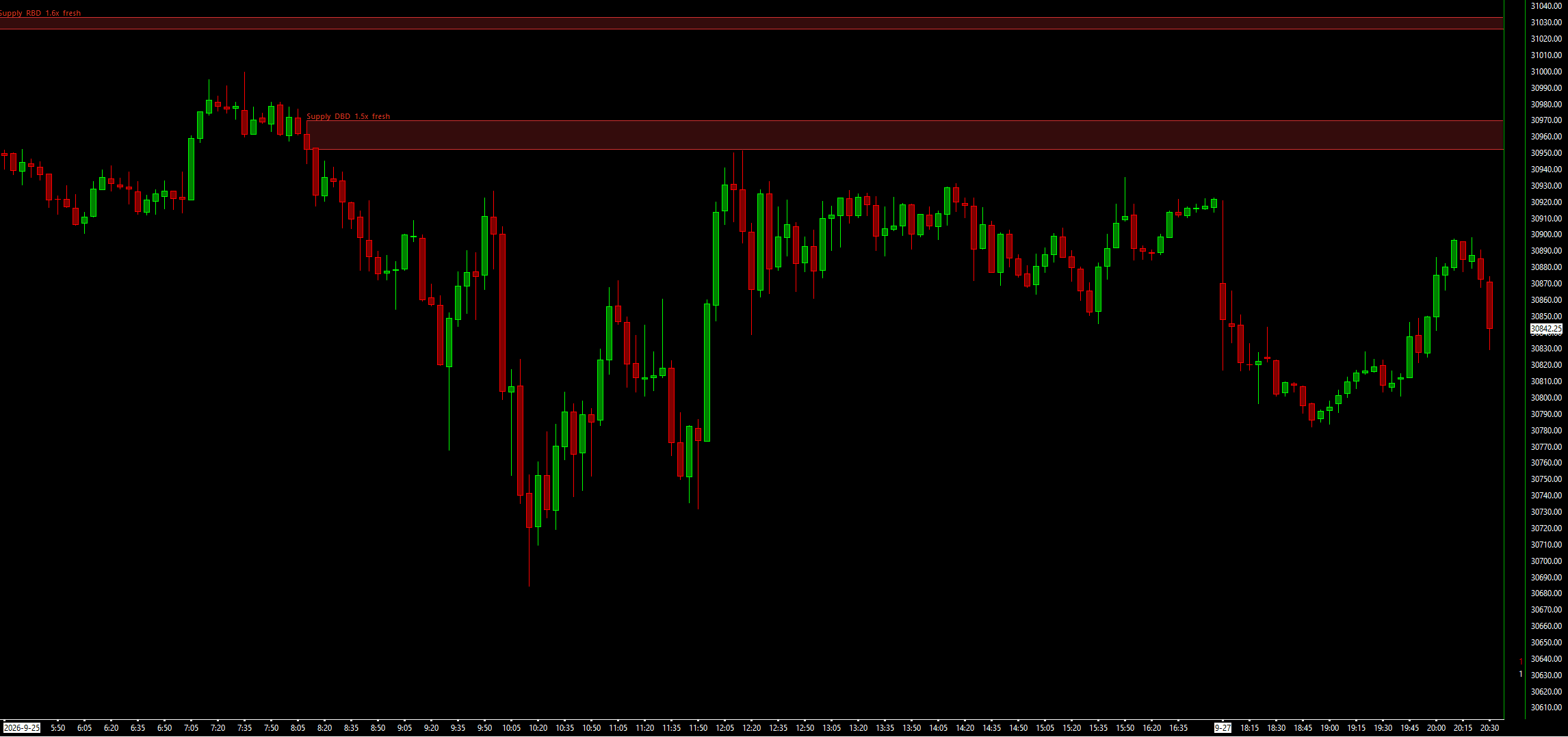
$19 one-time · instant download
Supply & Demand Zones
Base-and-leg-out supply and demand zones on any timeframe, with a scorecard against random levels.
What it does and how to set it up
$19 one-time · instant download
Imbalance Zones
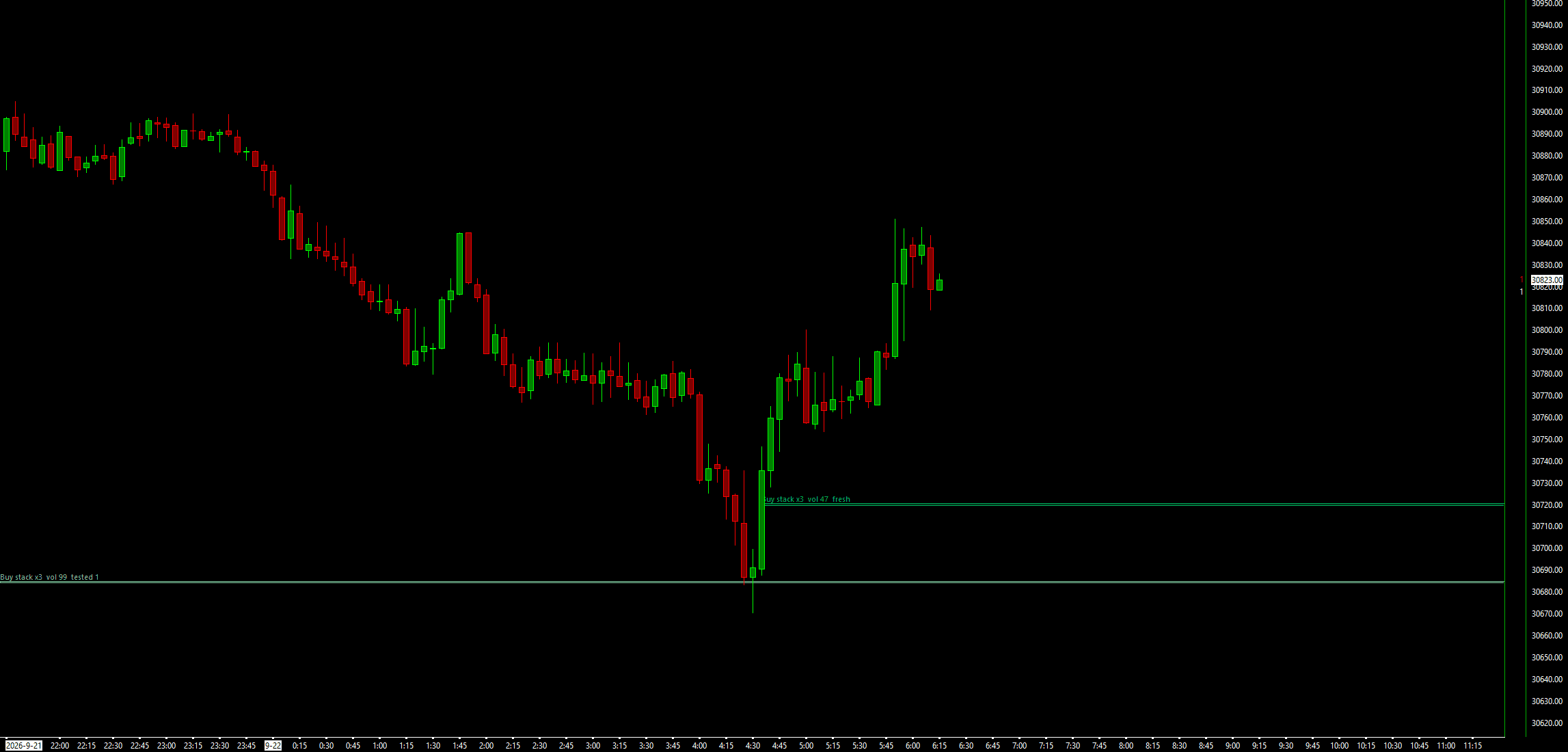
Stacked diagonal bid/ask imbalances from footprint data, drawn as zones that extend until price returns.
What it does and how to set it up
Setting up a study
Every study installs the same way: the free studies, Waypoint Smart Money and the zone studies. The Smart Money set comes as one .zip with a DLL for each of its eight studies.
- Download the .zip (a free study from its page; a paid study from the link after checkout) and extract it.
- Right-click the .dll, choose Properties, tick Unblock if it is shown, and press OK.
- Copy the .dll into Sierra Chart’s Data folder (C:\SierraChart\Data on a default install).
- On a chart: Analysis >> Studies >> Add Custom Study, pick the study, Add, OK.
These are charting tools. A level on a chart is not a reason to trade, and nothing here is advice. Where a study draws setups, it can grade them on your own chart against random levels, so you can see for yourself whether they add anything.
Have an idea behind the chart?
A study shows you where price is. A screen tells you whether the idea you trade around those levels has ever held up, against tick data, after costs, with every trial counted.